Quick answer: Check your ZIP code, then confirm the full delivery address, first available date, delivery window and order-change deadline. ZIP-code eligibility alone does not establish a workable delivery schedule. CookUnity, for example, makes delivery days and windows address-dependent—and says its windows are not guaranteed arrival times. Arrange prompt collection and refrigeration before ordering. (support.cookunity.com)
For US households. Public delivery policies checked October 10, 2026. The examples below are planning scenarios, not completed orders or verified address-specific checkout tests.
1. Check coverage before choosing meals
Start with the address where you actually want the food delivered. Use the provider’s official eligibility tool rather than assuming that a national advertising campaign means your address is covered.
CookUnity’s public Delivery Map accepts a ZIP code before account creation. Its help page directs prospective customers to enter the destination ZIP and check the result. The map’s publicly readable page provides the input form, but not an address-specific result without completing that check. (support.cookunity.com)
Use this sequence:
- Enter the destination ZIP code.
- If eligible, review the available delivery dates.
- Enter the complete street address and apartment or suite number.
- Check the first delivery date and window before committing.
- Save the displayed details for reference.
Treat an invitation to receive coverage updates differently from an offer to schedule a delivery: CookUnity provides an updates option for areas it does not yet serve. (support.cookunity.com)
For illustration, a household comparing deliveries to sample ZIP 10001 and a temporary destination in 60601 should run separate checks. Neither ZIP’s eligibility, available days or delivery window is confirmed in this guide.
Practical check: Write down what the tool actually establishes. “My ZIP is eligible” and “my complete address has a selectable delivery next Tuesday” are different levels of confirmation. Do not fill the gap with an assumption.
2. Match the delivery window to your household—not just the day
A suitable weekday is only part of the decision. You also need to know who can collect the food throughout the stated window.
HelloFresh’s US “How It Works” page states deliveries occur between 8 a.m. and 8 p.m. on the selected day. CookUnity lets customers choose from the days and time slots available for their address, but explicitly describes those slots as windows rather than guaranteed arrival times. (hellofresh.com)
Before subscribing, record:
| Detail | What to confirm |
|---|---|
| First delivery | The specific date, not merely the recurring weekday |
| Regular schedule | Available days for the complete destination address |
| Window | Earliest and latest stated arrival |
| Collection | Who can retrieve and refrigerate the food |
| Flexibility | Whether an alternative offered day works |
| Backup meal | What you will eat if arrival does not fit dinner plans |
If you work away from home all day, ask whether a household member or neighbor can receive the food. FoodSafety.gov recommends arranging delivery when someone is home, or asking a neighbor to store it until you return. (foodsafety.gov)
Avoid interpreting an evening delivery window as a promise that the box will arrive before dinner. For your first order, plan a backup meal rather than making that delivery essential to a fixed-time event.
3. Resolve apartment access before the order is processed
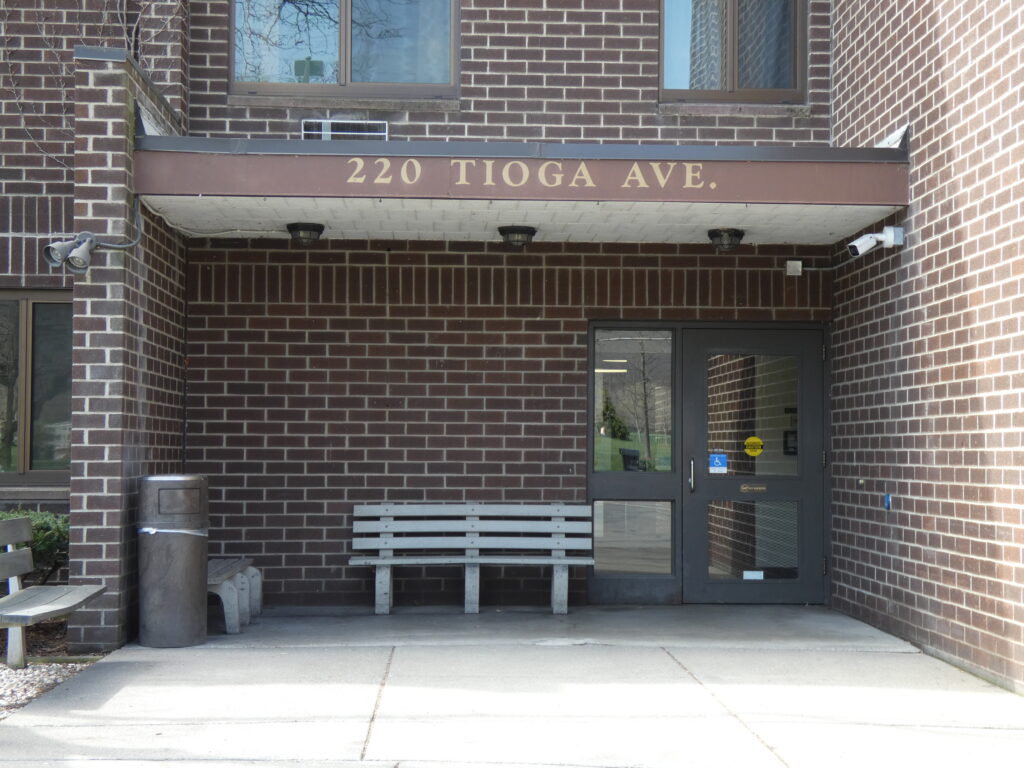
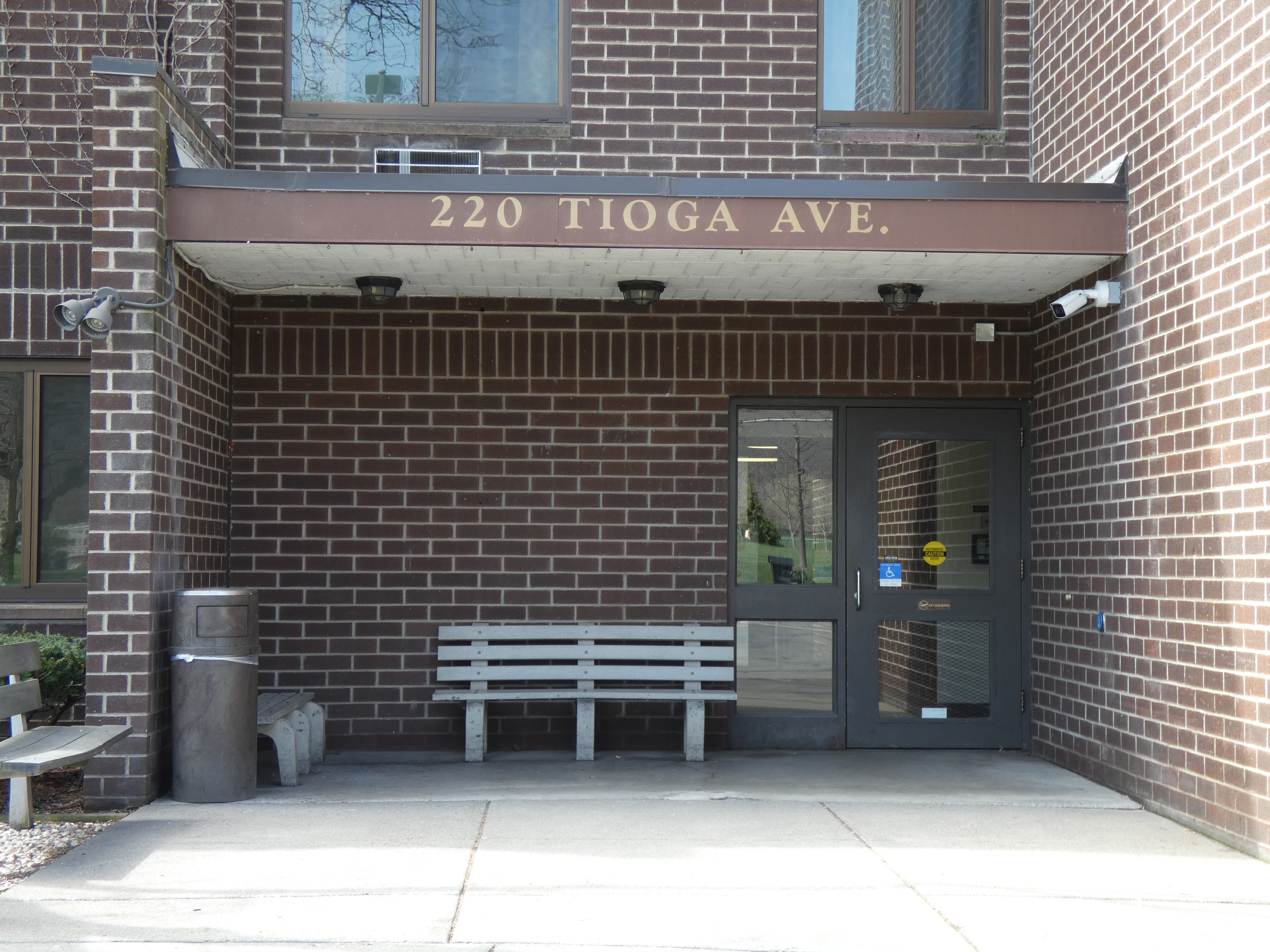
For an apartment delivery, check both the provider’s instructions field and your building’s actual receiving arrangements.
CookUnity allows apartment details, gate or buzzer codes, and drop-off preferences in the account. Its listed options include leaving food with a doorman, delivery to the customer’s door and contactless doorstep delivery. Instruction changes apply to future orders placed after saving—not orders already confirmed or processed. (support.cookunity.com)
Confirm these details with your building:
- Which entrance should the driver use?
- Can a driver enter without a resident present?
- Does staff accept perishable deliveries?
- Is the package room accessible throughout the delivery window?
- Who will move the food into a refrigerator?
- What should happen if access fails?
Write short, actionable instructions. For example:
“Use the front entrance and buzz apartment 4B. Leave with reception only if staff accepts the delivery. Contact me through the delivery system if access fails.”
That is an illustrative instruction, not a tested delivery arrangement. Adapt it to your building’s rules; avoid giving instructions that staff has not agreed to follow.
Worked apartment scenario: A resident using sample ZIP 10001 is away during the afternoon. Before ordering, they should confirm eligibility, the actual window, reception’s acceptance policy and a person who will refrigerate the food. Reception accepting the box is not the same as arranging cold storage.
Do not rely on a second attempt. CookUnity says unsuccessful access does not trigger automatic redelivery, and it does not guarantee a same-day reattempt or automatic credit. Its own drivers’ waiting policy also does not necessarily apply to third-party carriers. (support.cookunity.com)

4. Set up tracking and a safe unattended-delivery plan
Tracking helps you coordinate collection, but check where it appears and when it becomes available.
CookUnity’s Orders Hub provides the delivery address, window and tracking updates through “Track Order.” Tracking may appear only once the shipment is moving or the driver starts the route, depending on the area and courier. Enable the relevant email or SMS notifications and review the order’s details directly. (support.cookunity.com)
If unattended delivery is necessary, choose a cool, shaded, secure location and communicate it to the service. FoodSafety.gov also advises checking packaging and measuring the temperature of perishable food on arrival. Refrigerated perishables should arrive at 40°F or below; food arriving above that temperature should not be eaten or tasted to assess safety. Refrigerate or freeze safely received perishables promptly. (foodsafety.gov)
A few useful precautions:
- Have a food thermometer ready before the first delivery.
- Make refrigerator space beforehand.
- Arrange someone to collect the food, not merely watch for a notification.
- Ask the provider how to report damaged packaging, warm food or a missing delivery.
CookUnity says being home is not mandatory, but recommends receiving the delivery and refrigerating it promptly. It cautions that insulated totes are not intended to remain outdoors for long periods. (support.cookunity.com)
Common mistake: Treating insulation as permission to leave meals outside until convenient. Use the food’s arrival condition and official safety guidance—not a packaging assumption—to decide what to do.
5. Find the deadline for changing the address, day or order
Record the cutoff as a date, time and time zone. Set your own reminder before it.
CookUnity’s subscription guidance says cutoffs vary by location, generally four to six days before delivery. If the upcoming delivery is not skipped, payment is automatically charged at cutoff. HelloFresh’s public US page lists its cutoff as 11:59 p.m. PST five days before delivery. Check your account’s order-specific information and ask support to clarify any ambiguous time-zone label. (support.cookunity.com)
Different changes can have different effects:
- Address change: CookUnity says changing the default address can cancel upcoming orders placed but not yet charged, requiring meal reselection. A charged order’s delivery address cannot be changed. (support.cookunity.com)
- Recurring-day change: CookUnity warns that previous skips do not carry over to the new delivery day. Review upcoming orders and skip again if necessary. (support.cookunity.com)
- One-order reschedule: CookUnity offers another available date within the same week through its order-management tools. Review the meal selection and finish any remaining confirmation steps. (support.cookunity.com)
- After charging: CookUnity says self-service rescheduling is unavailable. Adding another delivery creates a separate order rather than replacing the original. (support.cookunity.com)
After any edit, inspect the upcoming order itself. A saved account preference is not sufficient evidence that an already scheduled delivery changed.
6. Plan travel and holiday weeks separately
Check the specific holiday-week order instead of assuming the ordinary schedule applies.
Purple Carrot says delivery days may change around major holidays. Sunbasket says it sends advance email and SMS notices about holiday schedule changes so customers can skip before cutoff if the revised schedule does not work. These policies do not establish a particular 2026 holiday delivery date for your address. (purplecarrot.zendesk.com)
Worked travel scenario: A household expects a delivery on October 16, 2026, but plans to be away from October 15 through October 19. Those are hypothetical planning dates, not confirmed provider availability.
Before the order’s actual cutoff, the household should:
- Look for an offered delivery before departure or after returning.
- Skip if none fits.
- If considering delivery to sample ZIP 60601 instead, check that destination independently.
- Confirm the host can receive and refrigerate the food.
- Reopen upcoming orders to verify the final address, date and skip status.
Do not wait until transit begins to redirect a CookUnity order. Its current guidance says the address cannot change after confirmation and processing; before charging, customers can update the address and reconfirm before cutoff. (support.cookunity.com)
For holiday travel, ask: “What delivery date and cutoff apply to my address for this particular week?” Save the response, but continue monitoring the order for updates.
7. Use this pre-order checklist to separate facts from risks
Before paying, complete two lists.
Confirmed details
- Official tool accepts the destination ZIP.
- Complete address and unit number are correct.
- First delivery date and window are displayed.
- Building access and receiving arrangements are agreed.
- Someone can collect and refrigerate the food.
- Order-change cutoff and time zone are recorded.
- Tracking and support channels are identified.
- Travel-week skips or changes appear on the actual orders.
Unresolved risks
- Exact arrival time is not guaranteed.
- Building staff has not confirmed acceptance.
- No one can retrieve the food promptly.
- Holiday-week timing has not been confirmed.
- Address or instruction changes may be too late.
- A failed-delivery remedy has not been established.
Use “unknown” rather than “probably fine.” If access, collection or timing remains unresolved, ask support before subscribing—or choose an offered date that you can manage.
The useful decision is not simply whether a service covers your area. It is whether the specific delivery arrangement works for your household, including what you will do when it does not.